

Calling all Ubuntu fans….
Saucy Salamander is on the way. Read more here at TechRepublic:
http://www.techrepublic.com/blog/linux-and-open-source/fact-sheet-ubuntu-1310-saucy-salamander/
Remote Desktop Connection Manager
I love tools and utilities that make my daily activities more efficient. As a sys admin, I use an MMC console which contain the Remote Desktop snap-in but recently I installed Remote Desktop Connection Manager. It’s very similar to what you get with the MMC snap-in but I like the ability with this tool of creating groups. As you can see from the pic below, my first group contains my backup server group. I can either remote into each server individually or…
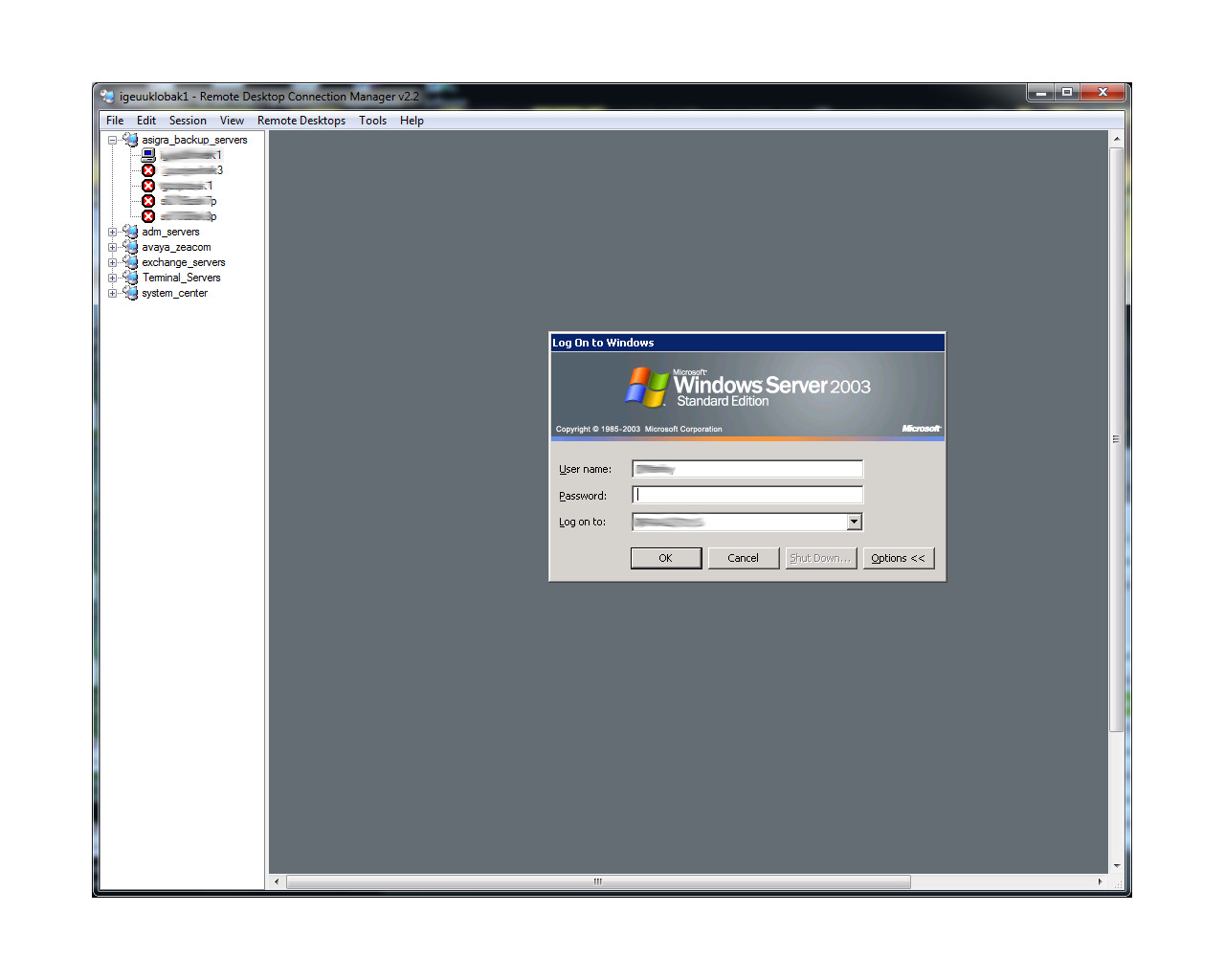
log in to all of them at once by right clicking the group name and selecting “Connect Group” or “Connect Group As” —
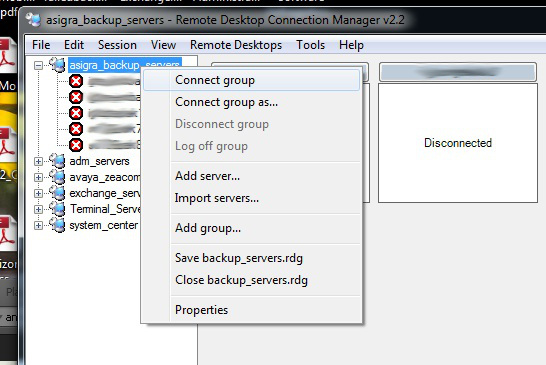
You can also, of course, disconnect from the entire group at once. Sometimes, the simplest tools are the best. This one certainly makes my daily tasks a little more efficient. If you want to download this app, it’s available on the Microsoft website: http://www.microsoft.com/en-us/download/details.aspx?id=21101.
The R2 Invasion
Microsoft announced that starting October 18, 2013, the R2 version of several products will be available:
Windows Server 2012 R2
System Center 2012 R2
Also scheduled for release, will be Windows 8.1 and updates to Windows InTune. Go here to read more:
Unable to RDP to a Windows Server 2003 R2 virtual server after reboot
This really isn’t a new issue but one that I encountered again recently. I was performing some maintenance on a Windows 2003 server that required a reboot. In my haste, I selected restart. Hindsight is always 20/20 as I soon realized this was not the correct option. After the server came back up, I was unable to use RDP to reconnect. I could ping ig it and I could also browse the network to shared folders on the machine. I tried several steps including remotely connecting to Services.msc on the server and restarting a few processes including the Terminal Services service. Ultimately, it was a power cycle that resolved the issue. I fully shut down the vm and restarted it. I tested RDP and it worked. This solution is not always ideal especially if this is a production machine. If anyone has a solution that worked for them, please comment.
10 Things Not to Say To a SysAdmin
10 Things Not to Say To a SysAdmin
This is a link to a post on Trainsignal.com. If you’re a sys admin, you will understand.
Upgrading Windows 8 to Windows 8.1 Preview
Thus far, I have not been a huge fan of Windows 8, so to troubleshoot or do testing, I keep a Windows 8 virtual machine handy. When the Windows 8.1 preview was released last week, I decided to upgrade my virtual machine. It was a very straight forward upgrade. No real glitches involved. Here are the steps:
1. Mount the Windows 8 Preview ISO file.
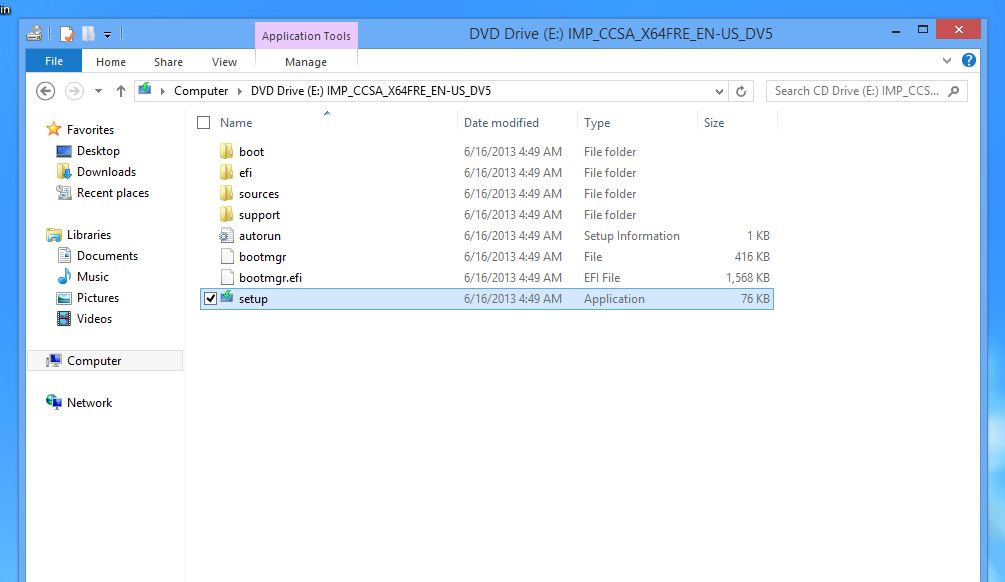
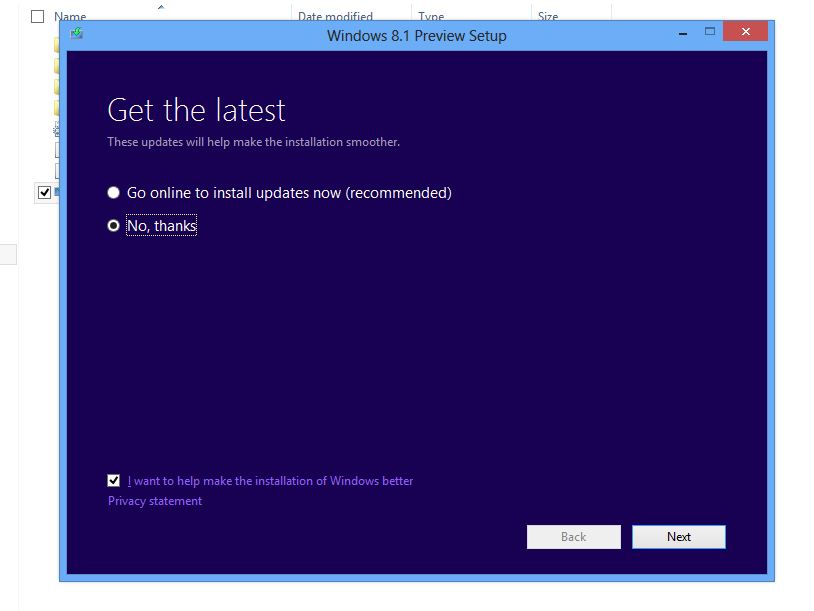
2. Launch setup.exe and choose whether or not to install updates.
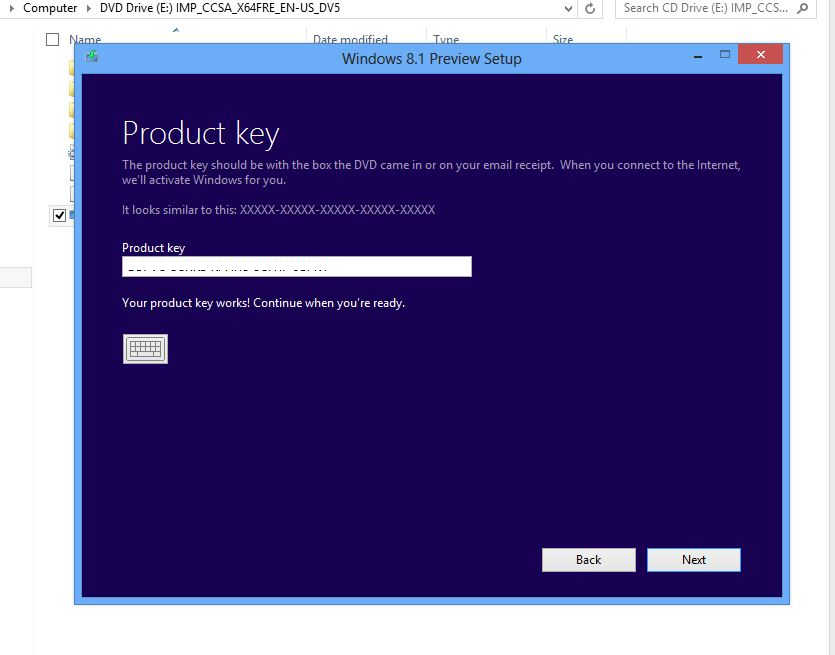
3. Enter the license key. This can be obtained from the Microsoft site.
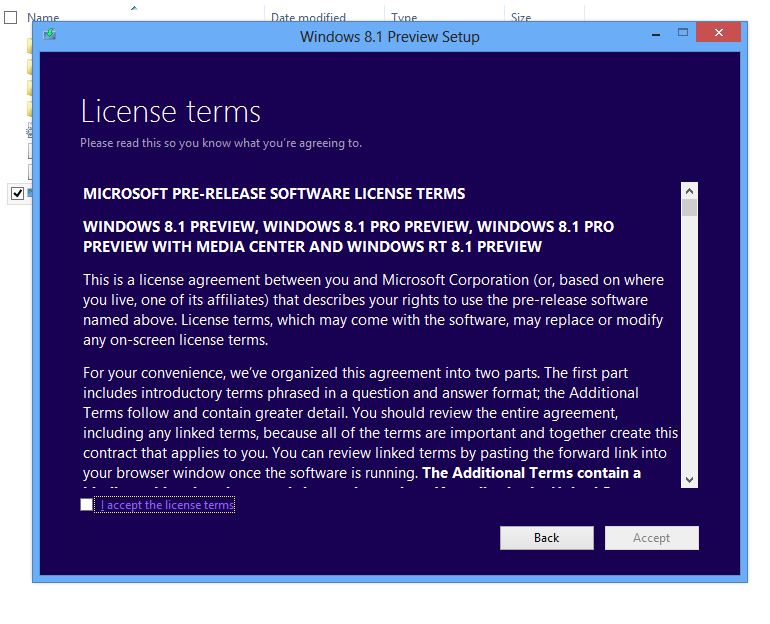
4. Accept the license terms.
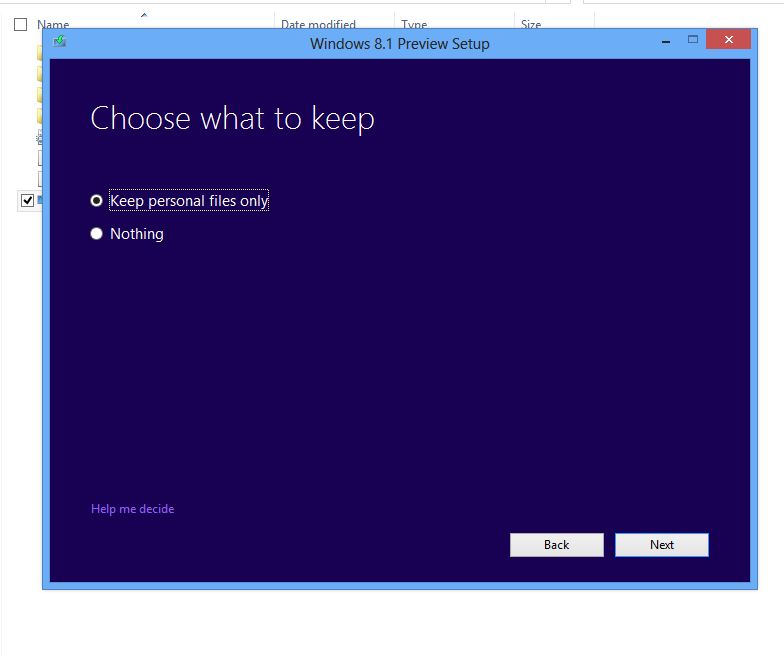
5. Choose what to keep during the upgrade.
6. Performing some checks.
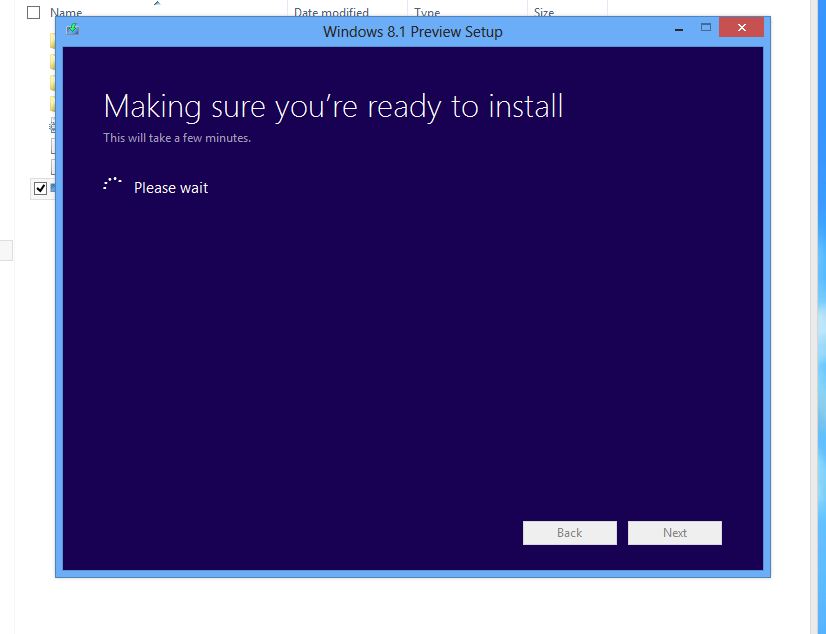
7. We’re ready to roll.
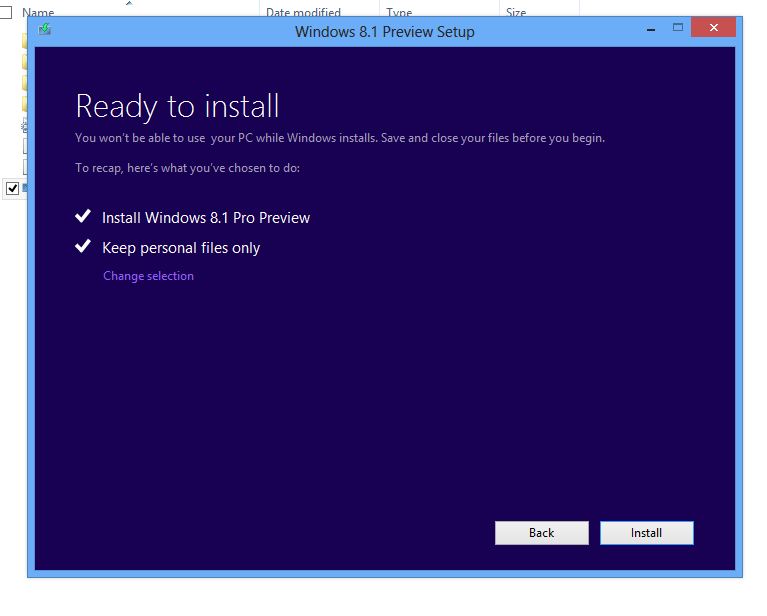
8. The installation begins.
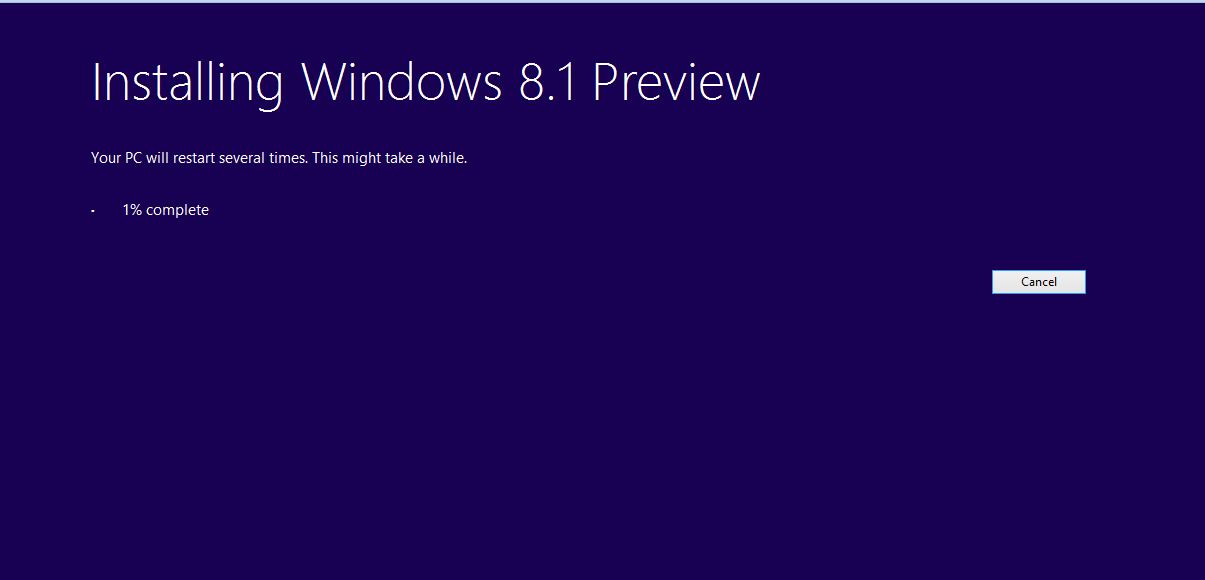
9. The machine reboots.
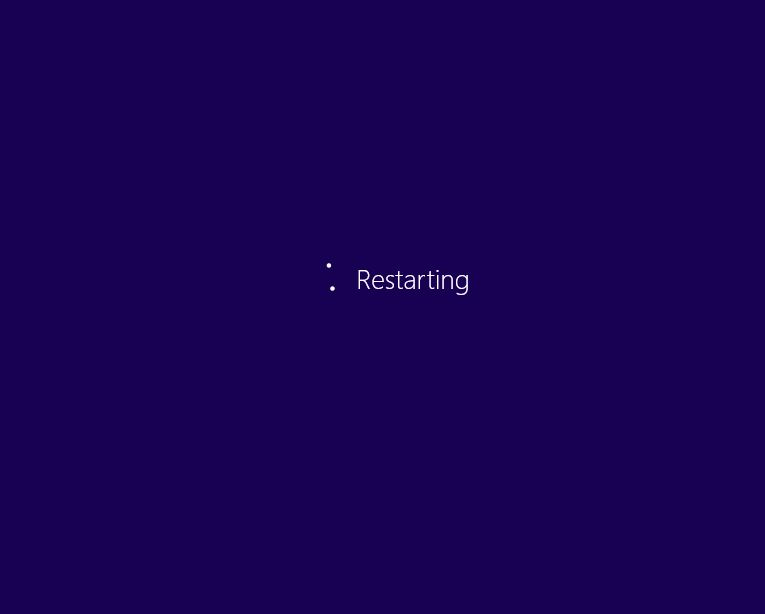
10. Sticking with the fish theme I see.

11. Choose your Settings: Express or Custom.
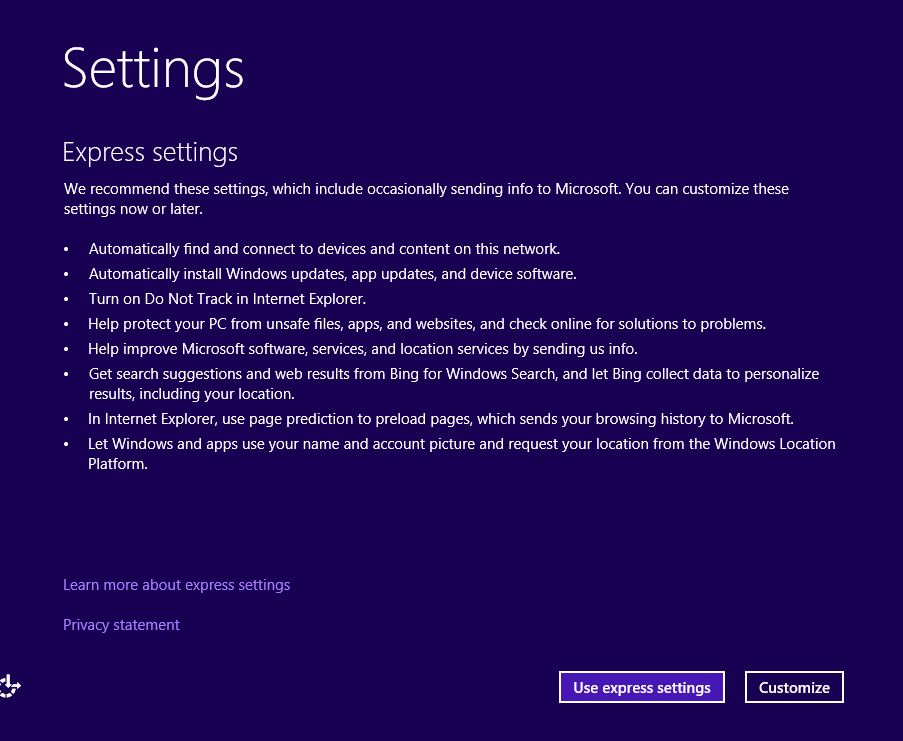
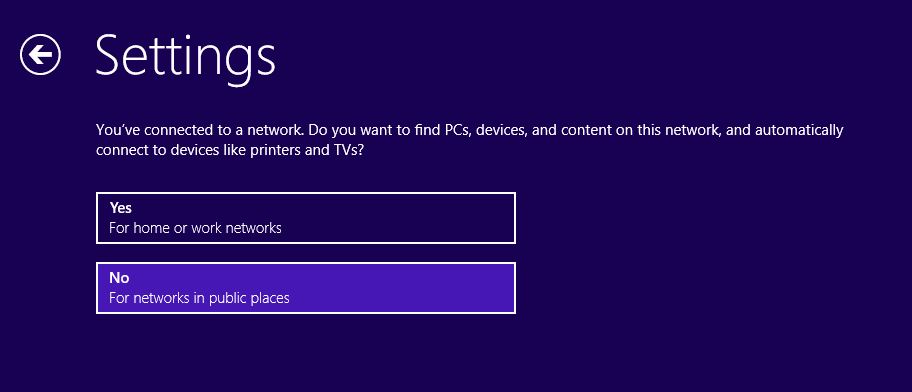
12. Network discovery choices.
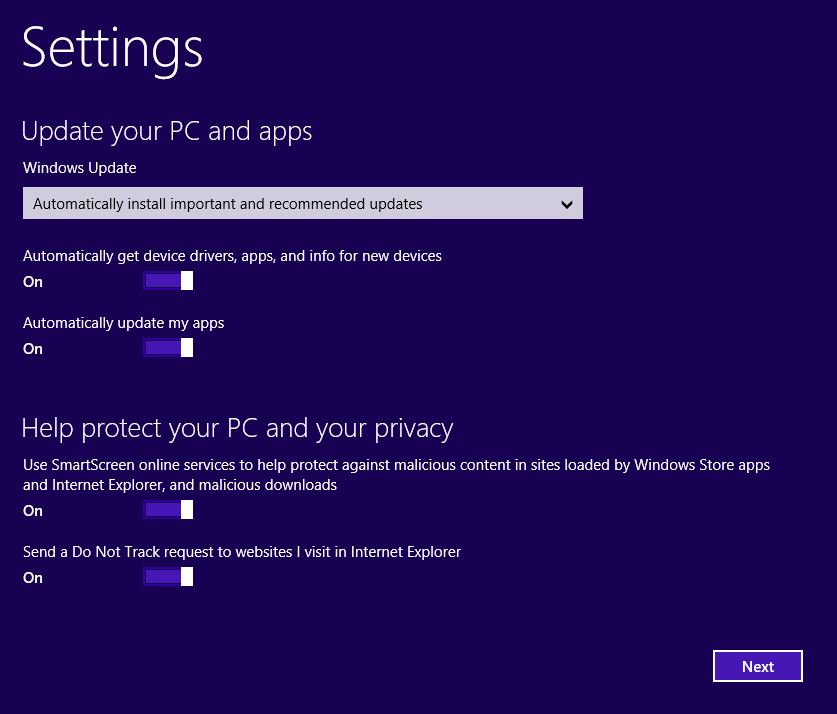
13. Choose your Windows update and Privacy settings.
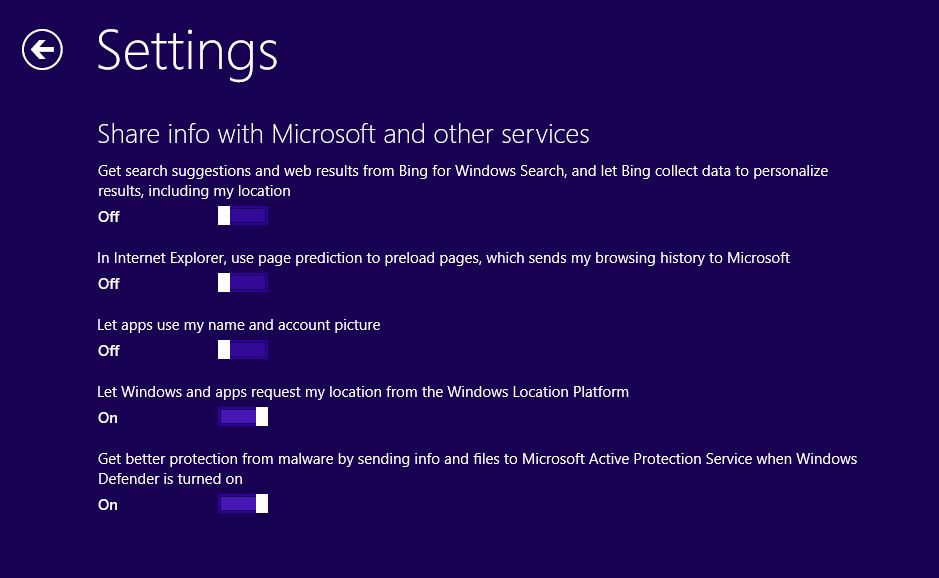
14. Choose whether to share or not share info with Microsoft.
15. Setup continues.
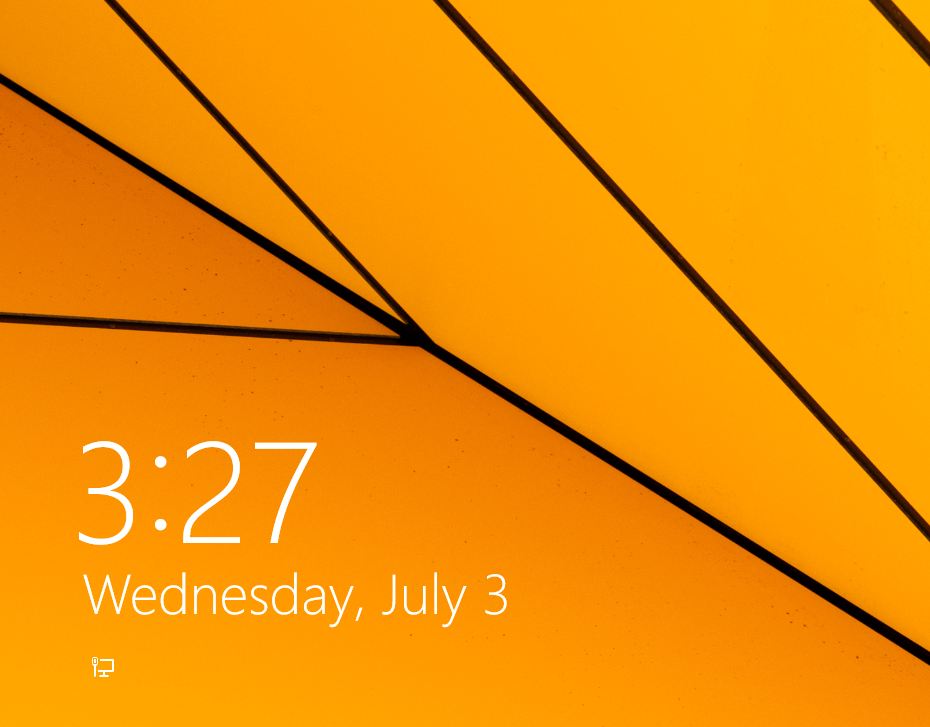
16. And here we are at the login screen.
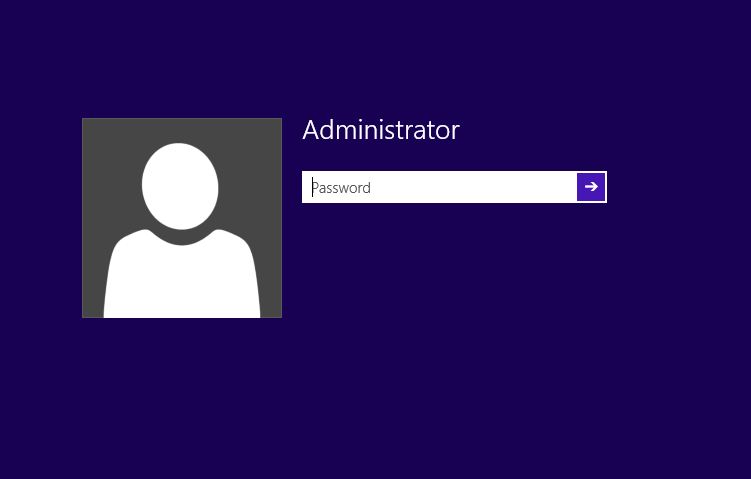
17. Enter your password.
18. And we’re at the desktop.
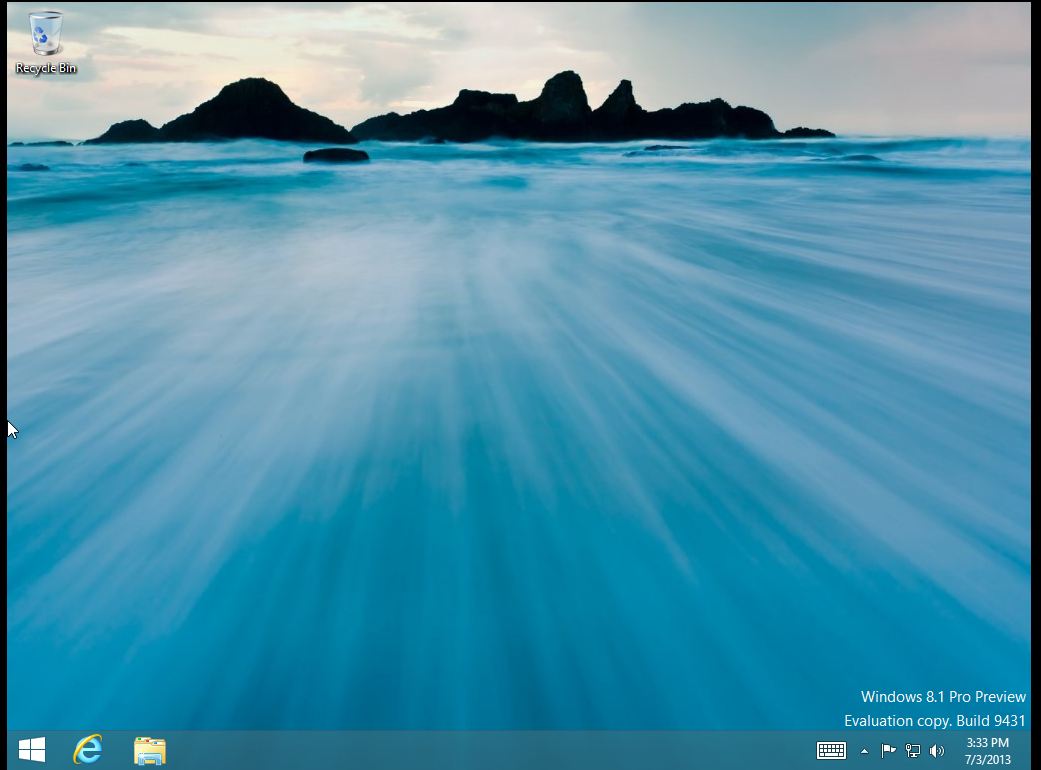
A very simple upgrade indeed. The only thing I did not see during setup was the choice to user either a Microsoft account or a Local account. Since this is a preview, I am guessing that this option will be included in the RTM release of the Enterprise version. But that’s it. Go to http://technet.microsoft.com to get your copy of the Windows 8.1 preview and see what you think.
Issues installing Windows 8 due to GPT partition style error
We recently received a new Lenovo Carbon X1 Touch to setup for an employee. It arrived with the Home version of Windows 8 installed, so we proceeded to install Windows 8 Enterprise. First of all, if you haven’t seen the new Carbon X1 Touch, it is a beautiful, slim, touchscreen laptop. But it does not have a built in NIC card. You have to attach an ethernet dongle if you want to be hard-wired in to your network. This device does not allow for booting up to our Microsoft Deployment server. There is an additional driver required in order to do this. So, we decided to install the OS via USB. I created a bootable Windows 8 USB stick (Using ISO to USB; http://www.isotousb.com) and booted from the USB.
All seemed well until it came time to choose the partition on which to install Windows. I chose the OS partition and received this error:
“Windows cannot be installed on this disk. The selected disk is part of the GPT partition style.”
I started troubleshooting by choosing to format the OS partition. That did not work as I received the same error message. So what to do but start from scratch. I delete all of the other existing partitions, formatted again and attempted to install the OS. This did not work either:
I rebooted, chose Repair at the initial install screen, and opened the command prompt. I ran the following diskpart commands:
- diskpart
- list disk
- select disk “x” (this is the disk on which you want to install Windows)
- clean
- create partition primary
- active
- format fs = ntfs quick
- assign
- exit
I rebooted and started the installation again. I chose the partition I needed and was able to install Windows 8. If you run into this error, just perform the diskpart steps above. That should resolve the issue.
Samsung 85″ Ultra HD TV
Wow. Samsung unveiled a new 85″ Ultra HD tv recently at CES 2013. I had not seen or heard about this until last week. And what a steal at only $39,999. I may have to put this on my Christmas wish list.
So Long Google Reader
Well, it was nice while it lasted but Google Reader is no more. Here is a link to an article on Computerworld.com with some recommendations for alternate apps.
 d:constructed
You must be logged in to post a comment.