
I love tools and utilities that make my daily activities more efficient. As a sys admin, I use an MMC console which contain the Remote Desktop snap-in but recently I installed Remote Desktop Connection Manager. It’s very similar to what you get with the MMC snap-in but I like the ability with this tool of creating groups. As you can see from the pic below, my first group contains my backup server group. I can either remote into each server individually or…
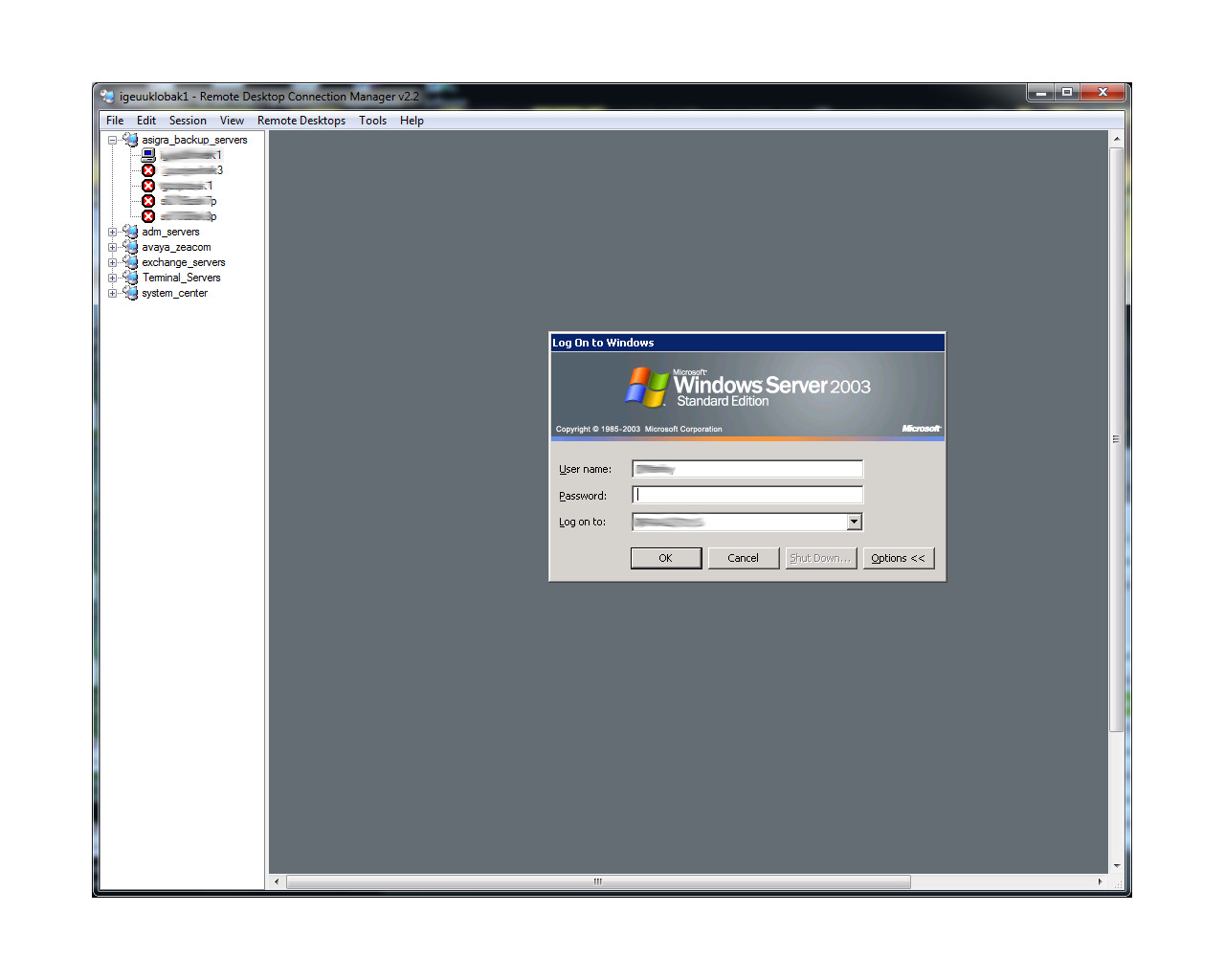
log in to all of them at once by right clicking the group name and selecting “Connect Group” or “Connect Group As” —
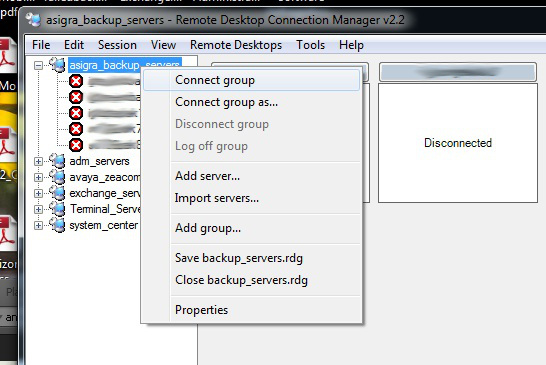
You can also, of course, disconnect from the entire group at once. Sometimes, the simplest tools are the best. This one certainly makes my daily tasks a little more efficient. If you want to download this app, it’s available on the Microsoft website: http://www.microsoft.com/en-us/download/details.aspx?id=21101.
 d:constructed
Reblogged this on SoshiTech.